


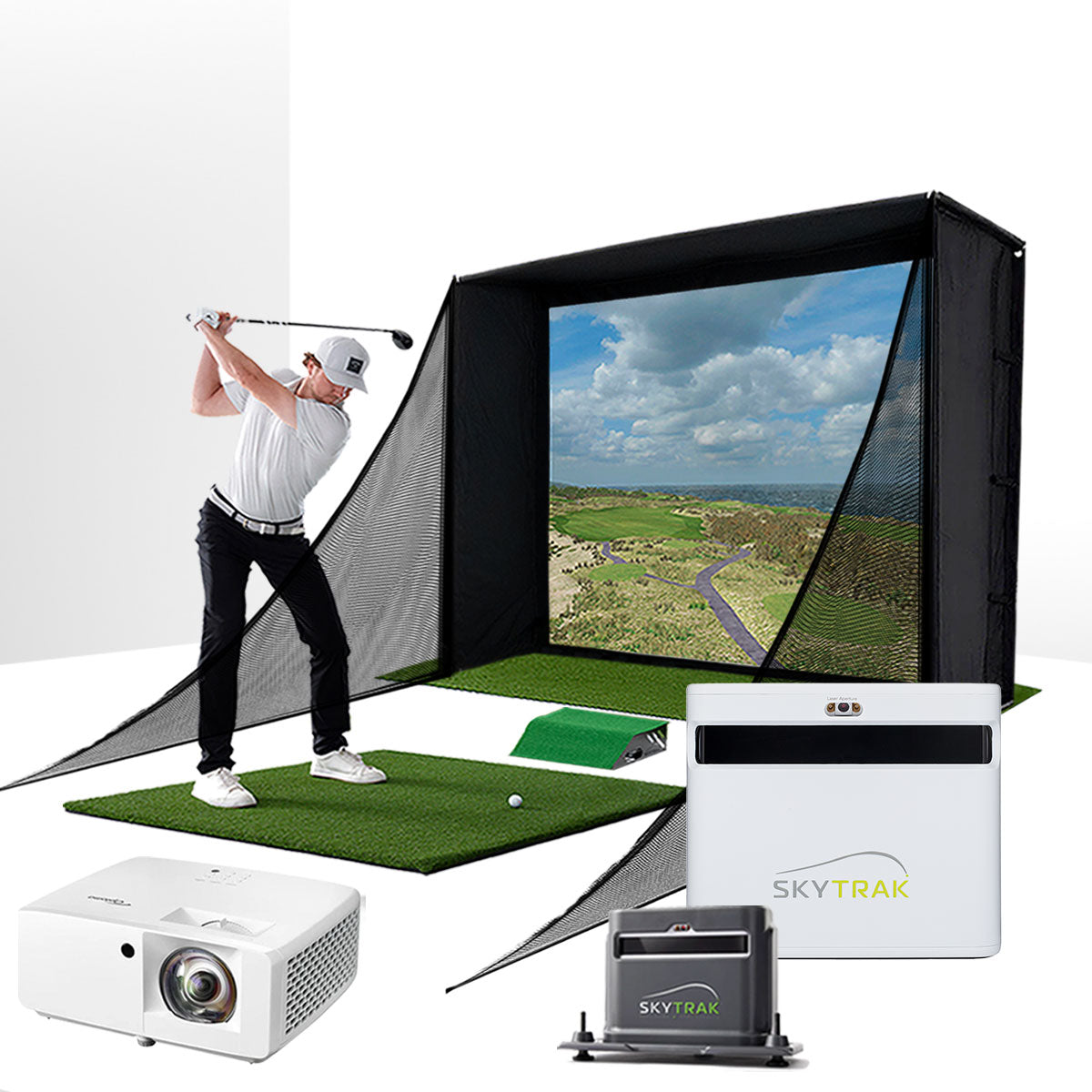
Loving my new SKYTRAK Plus with IPad Air M2 chip. Works and runs smoothly and such a huge upgrade from Garmin R10
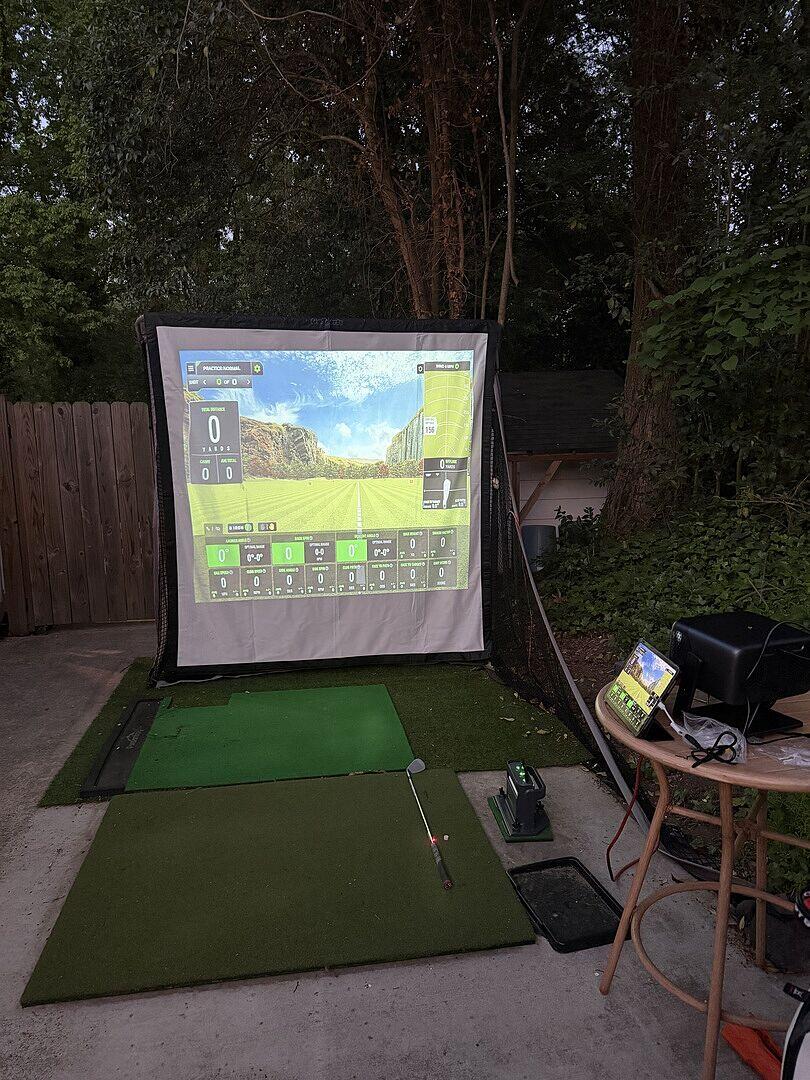
What a great deal in the studio setup. Price was great. Delivery was timely. Setup of the enclosure was a little challenging with the instructions, I wish we noticed to attach the fabric before assembling the top of the frame and to leave more poles in so could lift it on top of the base. All in all, not bad. One evening with my son and I. For the nets, make sure to look at the left/right labels and put them on with the right side up. I do wish the velcro on the bottom of the impact screen would stick to the putting/return mat. Skytrak setup is easy when using direct connect via USB. I started with the pole mount projector but ended up ceiling mounting after. Hardest part is getting the image right and some video challenges with our Nvidia card. So far, so good. Bought the trackman core package. Great courses.
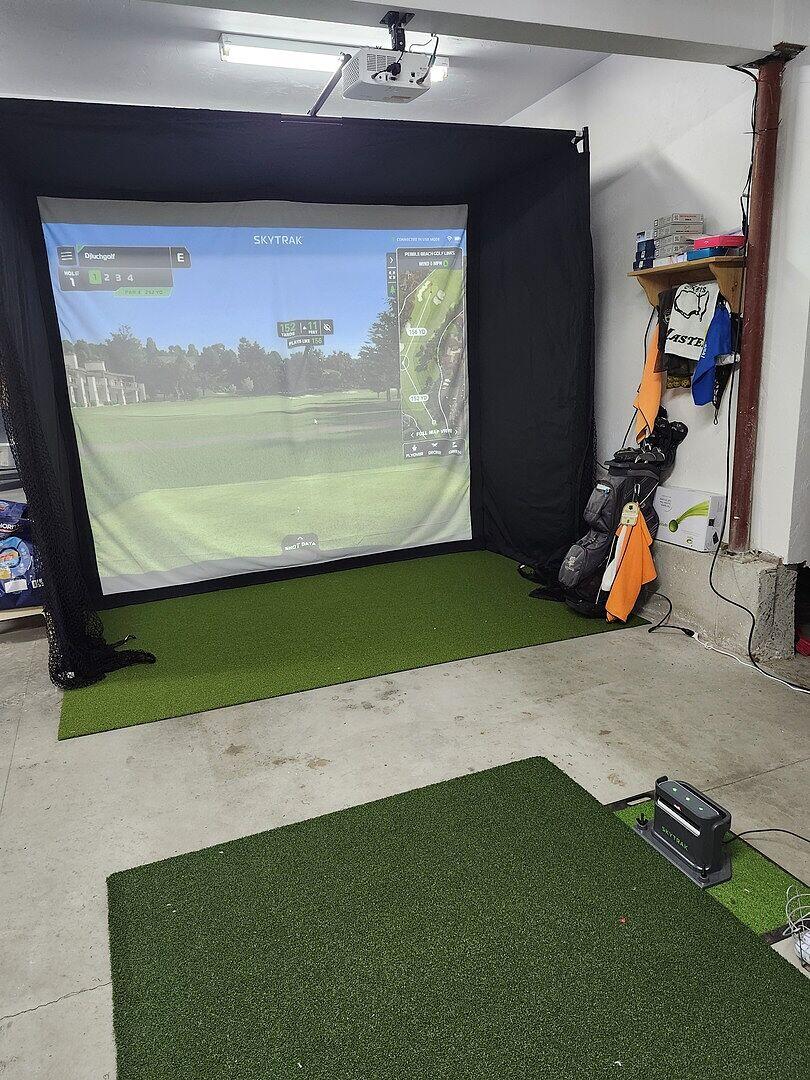
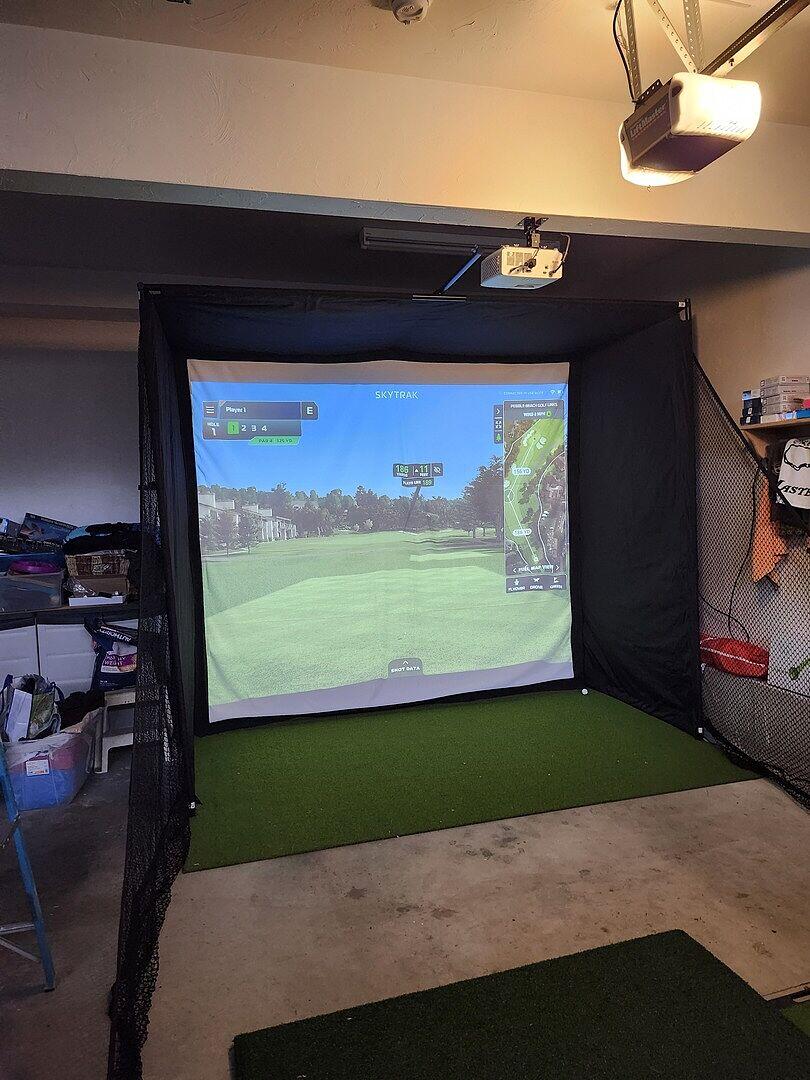
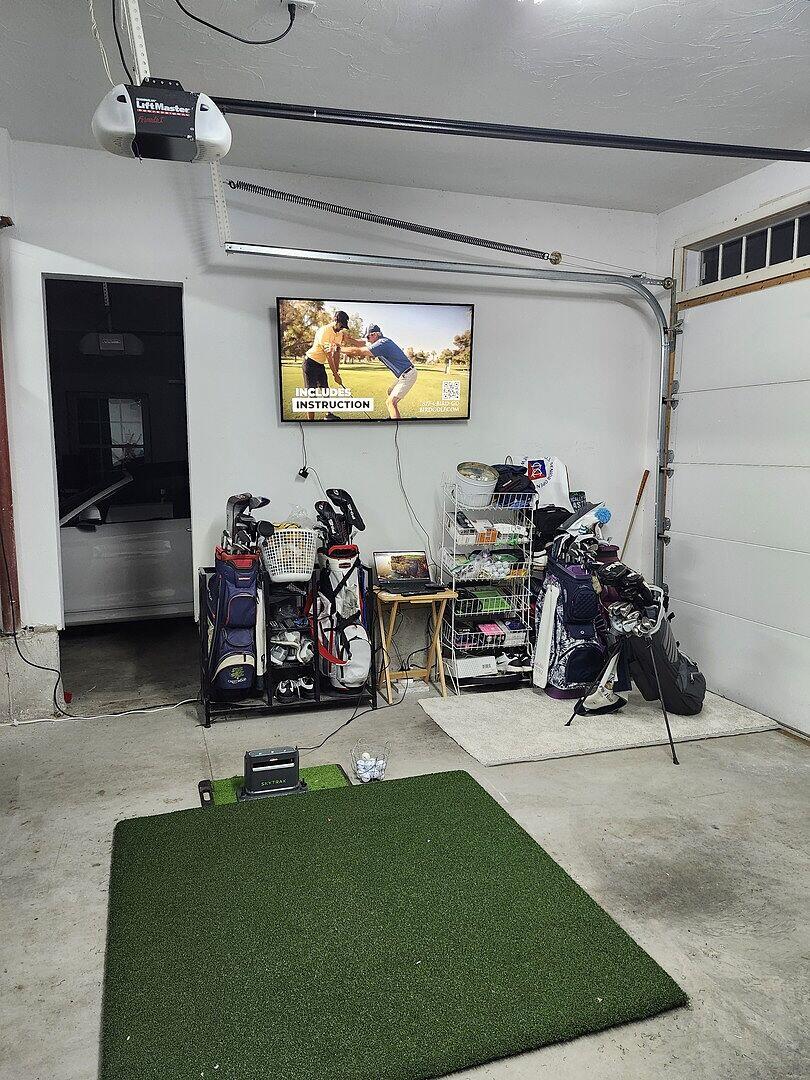
I am very happy with the whole package and upgraded the projector to the BenQ line. Easy assembly and was hitting shots in a few hours.
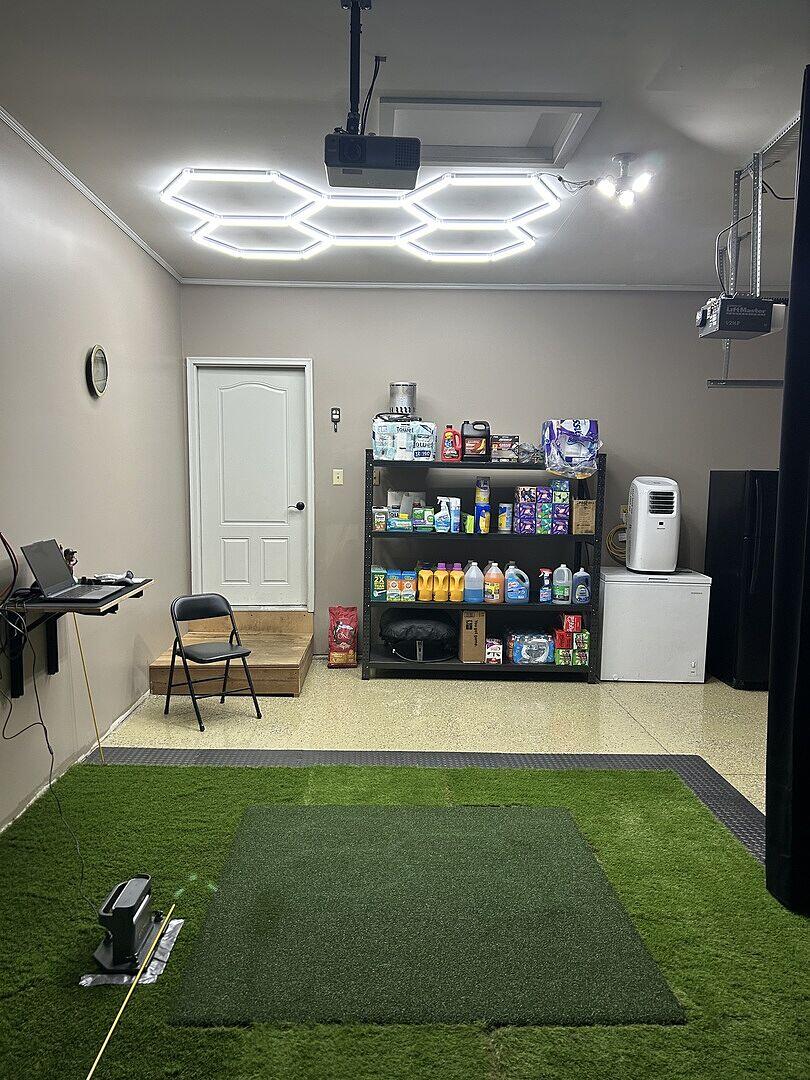
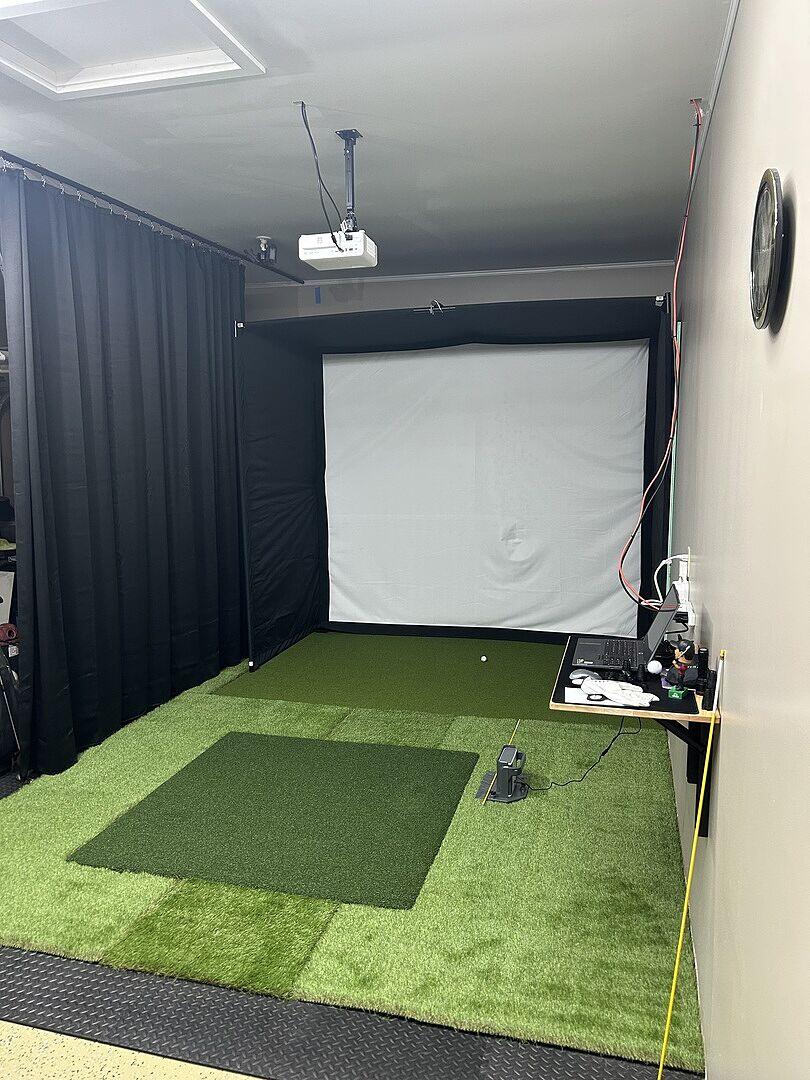
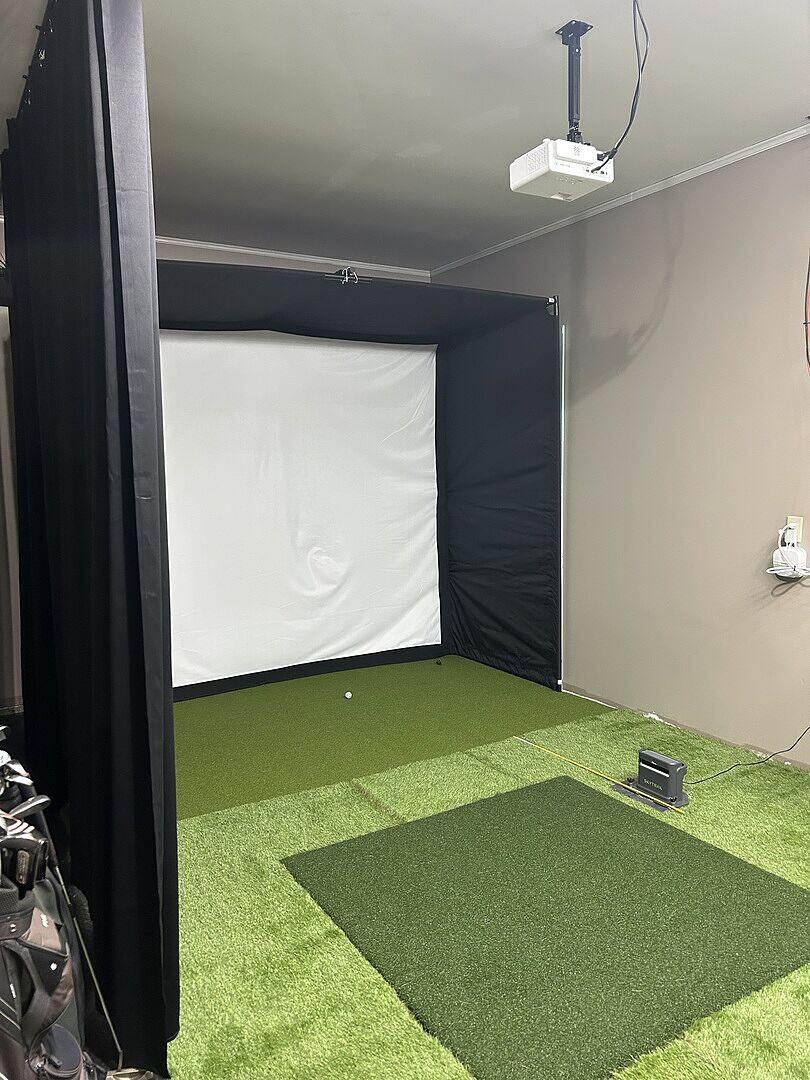
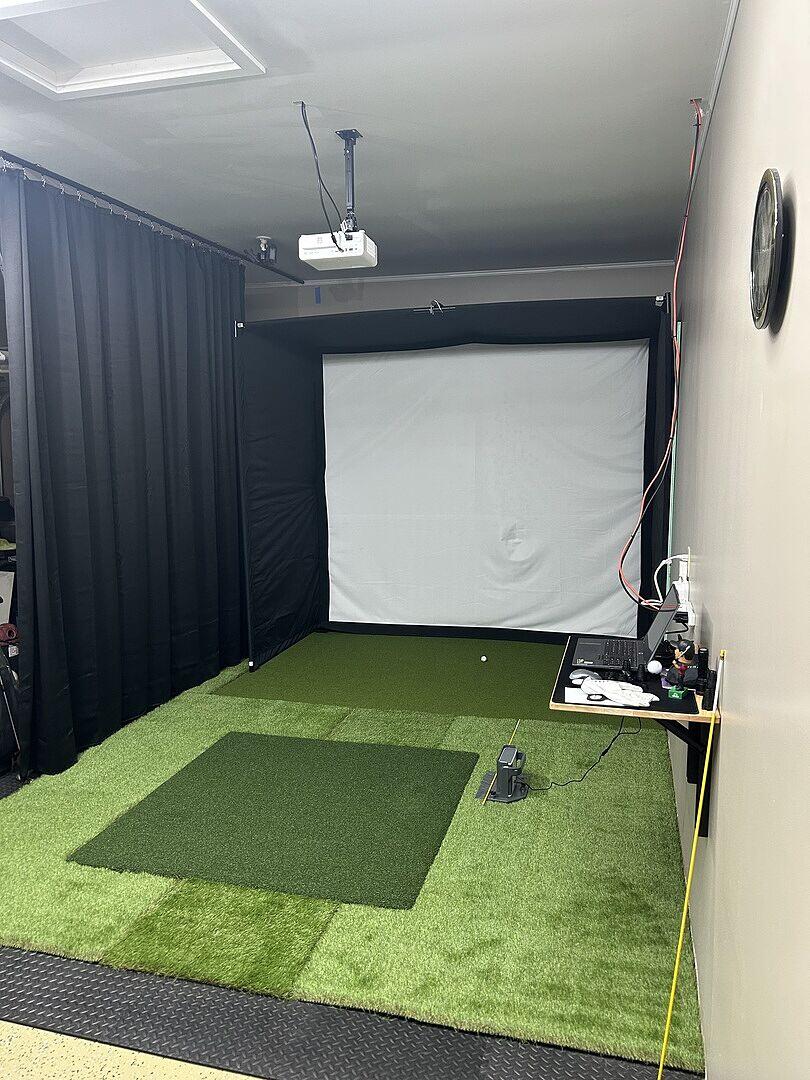
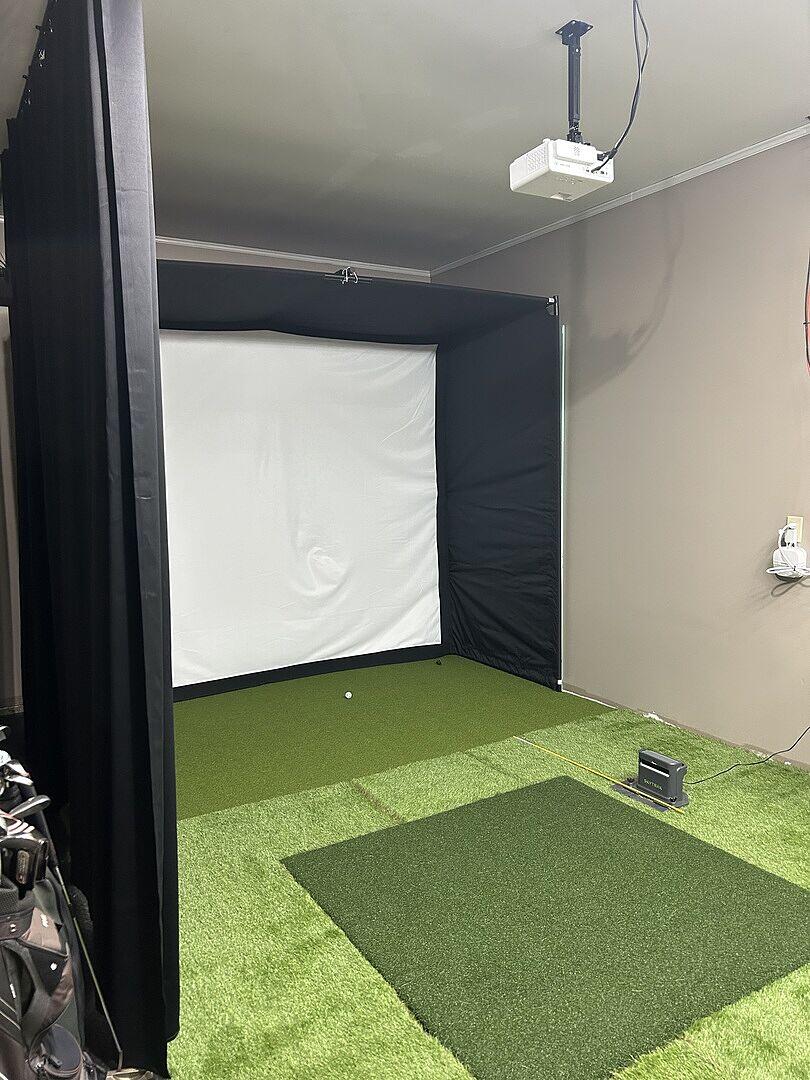
As a golf professional I appreciate the data and quality of this package. Easy to set up. Solid screen and enclosure. Skytrak is great. Projector is clear and bright. Hitting mat is good.
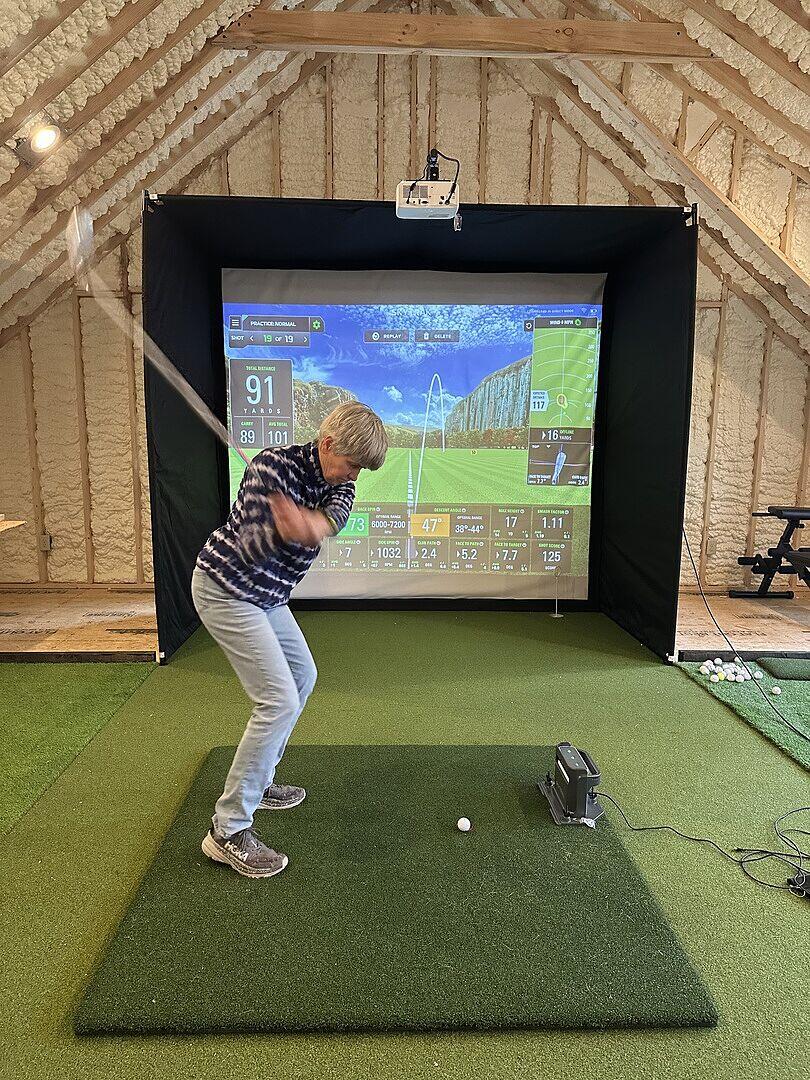
The Sim Studio was uper easy to put together and get started. The Skytrak is very accurate and easy to use. Best decision I've ever made.
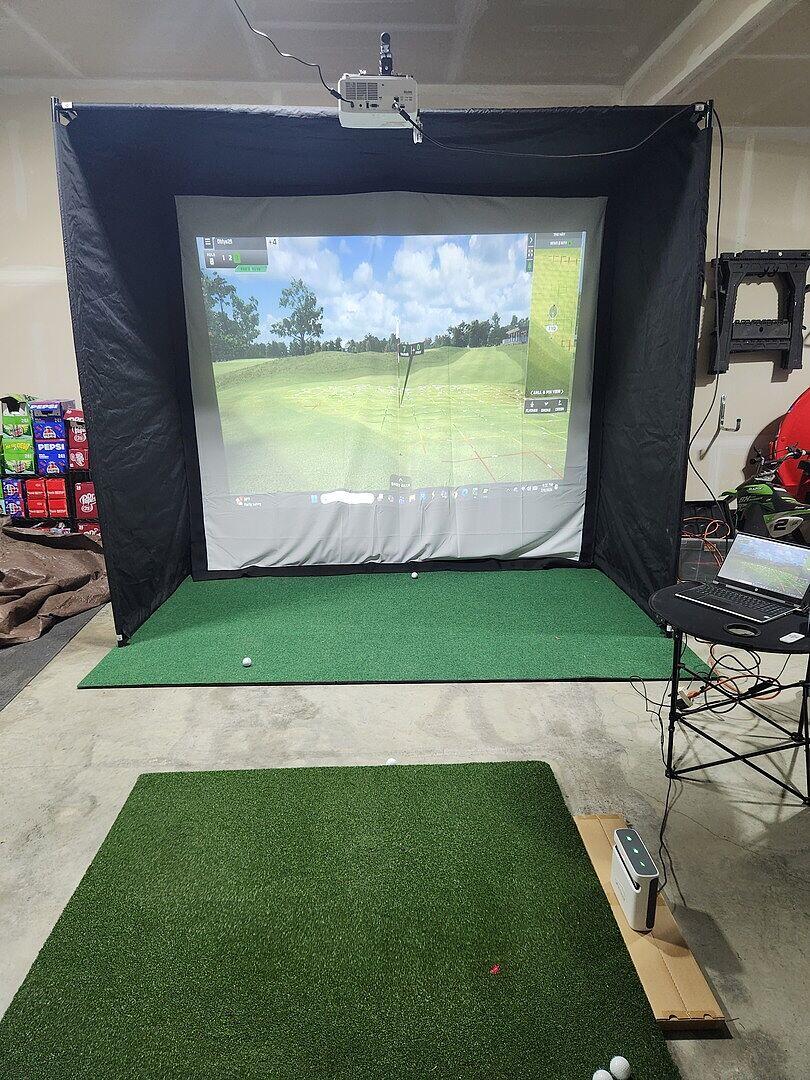
Overall the setup is fantastic. The BILT app makes assembly super easy. My only critiques are as follows:
The SkyTrak launch monitor takes some time to get connected to an iPad. Lots of back and forth to get it to connect and get registered. Regardless of your membership, you will need to download each course. Depending on WiFi speed, could take 5min-1 hour per course.
I got the Optima GT2000HDR projector thinking it was a significant upgrade. It is not. Does not have WiFi capability and adjusting to the screen size to ensure my entire 10x8. 5 screen is filled is very tedious. Simple setup an at some point that will be updated.
The impact screen and enclosure are awesome. Very pleased.
The hitting mat is VERY tall, putting depending on your launch monitor is basically limited to your stroke. So plan on building up the subfloor if you’d actually like to putt and have the ball path go to the screen. I went with GoGreen turf.
The hitting mat at 5X5 also makes for a very tight hitting space depending on your launch monitor. Consider doing an al-a-cart option and source a larger hitting mat for more room.
Overall, I am very pleased. It’s was to setup and move as needed. Looks great. Works well.
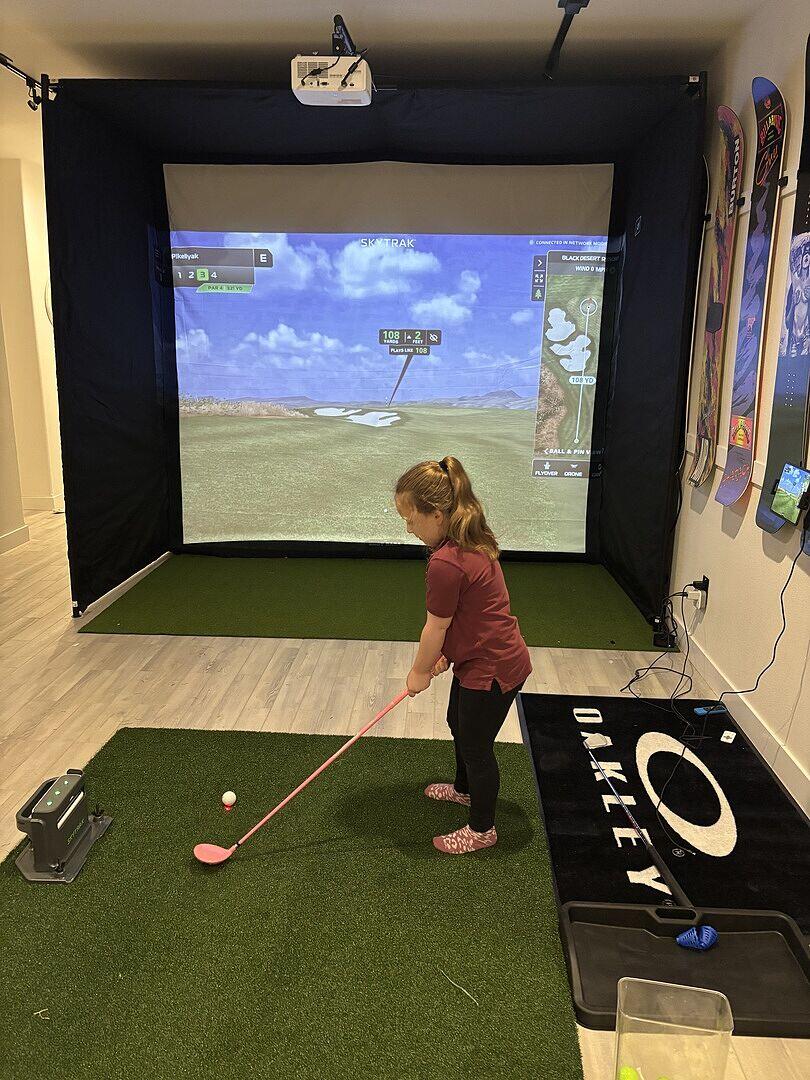
Dealing with Playbetter was amazing. From the order, to customer service and delivery. I am very pleased with the product HOWEVER I would say the enclosure itself is not as fit as I would have hoped. I have the 12' enclosure, and it just doesn't fit. I am unable to get the sides to meet so that the Velcro gets attached. It is probably 2 inches tighter/smaller at the back brace area and I can only get 1 side to properly reach. It creates some bubbles and sags in the enclosure. Manageable but not perfect for the price. I do like the larger 12' screen and Skytrak LM. The included mats are nice too.
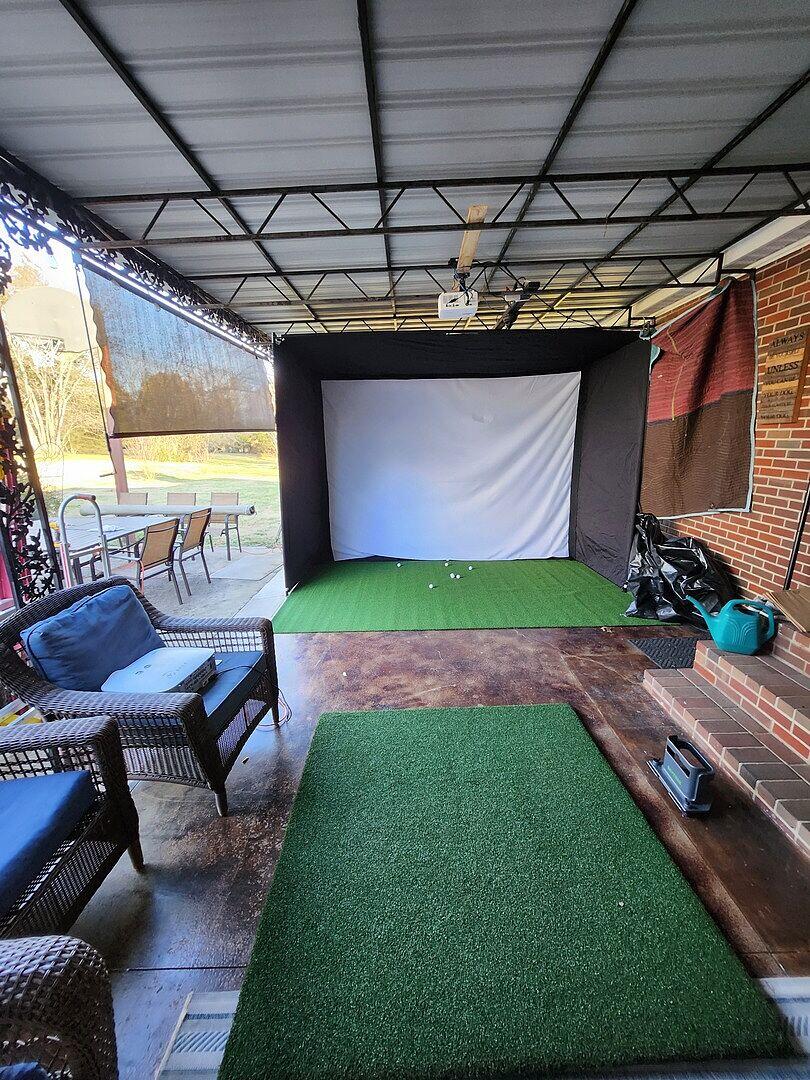
Best purchase I’ve made in a long time. Although it’s only been a week I can already see the difference in my ball striking due to having the ability to play every day.
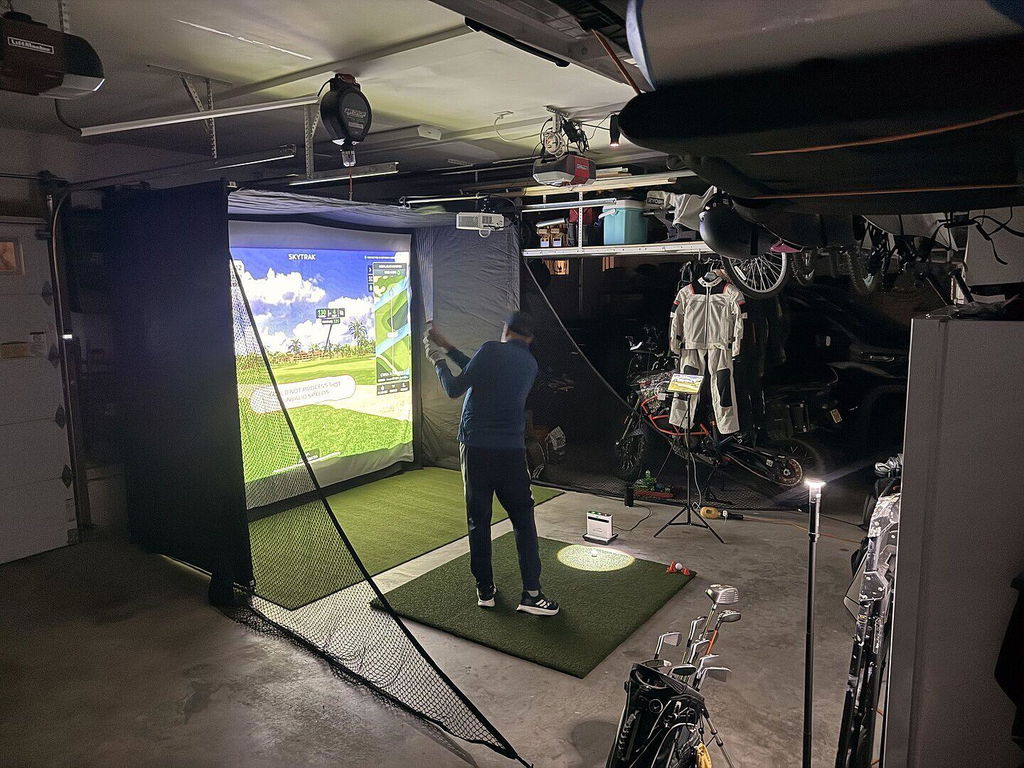
Been loving my Skytrak+. The range is great for practice and the distances seem spot on. My favorite part has been the bag mapping and shot analysis. Really going to help hone in my game!
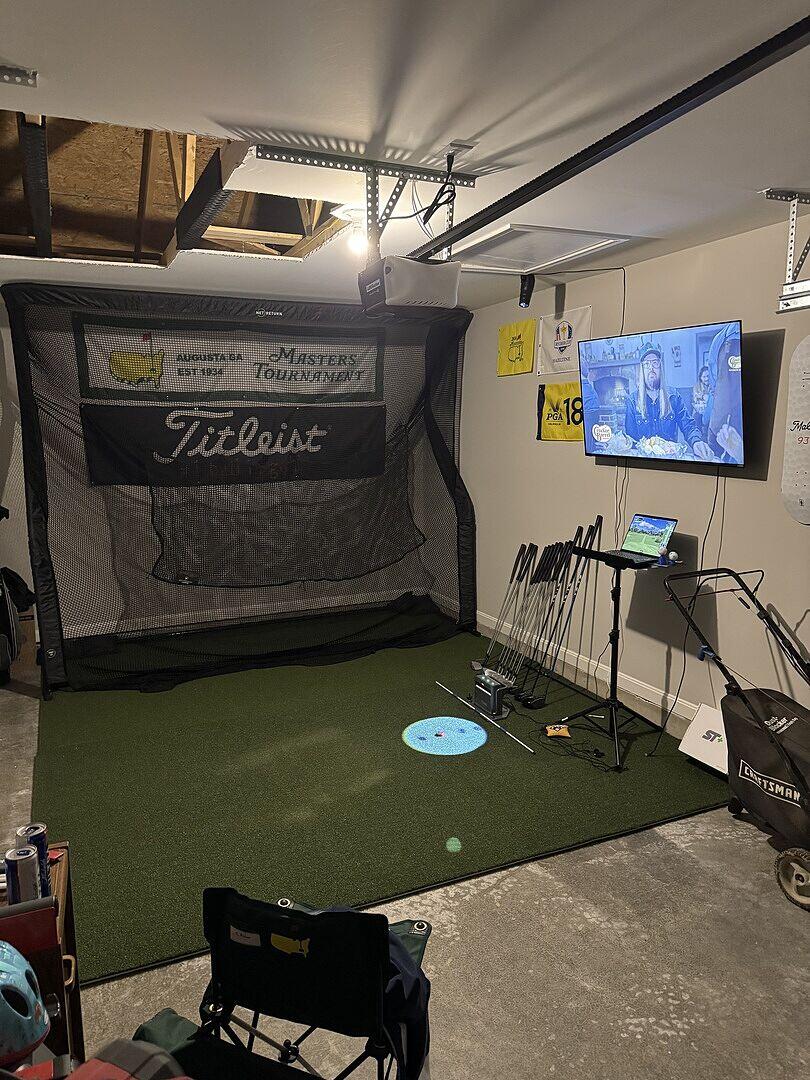
The Skytrak+ is just as advertised! Easy to use and setup. For those who like to just "figure it out" it might take a little longer. Just read or follow setup guide, simple. I got the course play package right away. I haven't setup the studio surround yet as we have some work to finish the space it will be going in. So, in the meantime I have a net in the basement with a TV connected via a gaming laptop. The ceilings are 8 ft, which is a little tight for drivers, so right now, it's irons only. Graphics are awesome and course selection is also great. Since we've been doing irons only, we either play silver or red tees, as there are big carry distances needed on some of the courses. Or we play the par 27, 30, or 55 courses which are a lot fun and offer a good mix of challenging, intermediate, and beginner type holes by choosing different tee boxes. This has been a pleasant surprise as my kids, who are just starting out, enjoy playing with me or on their own.
The practice ranges and options would be great for a consistent ball striker and shot shaper, which I am not, for working on various shot types. For me, working on consistency, the standard range and challenges are perfect. The ball and clud data, supper helpful.
At times I find myself wanting more club data in course play, but that's the only the opportunity I see.
Really happy with the decision on the Skytrak +. With it being a side facing unit, it's allowed us to better utilize the space we have while still being able to have room for a couch or 2 for others to sit back for some laughs.
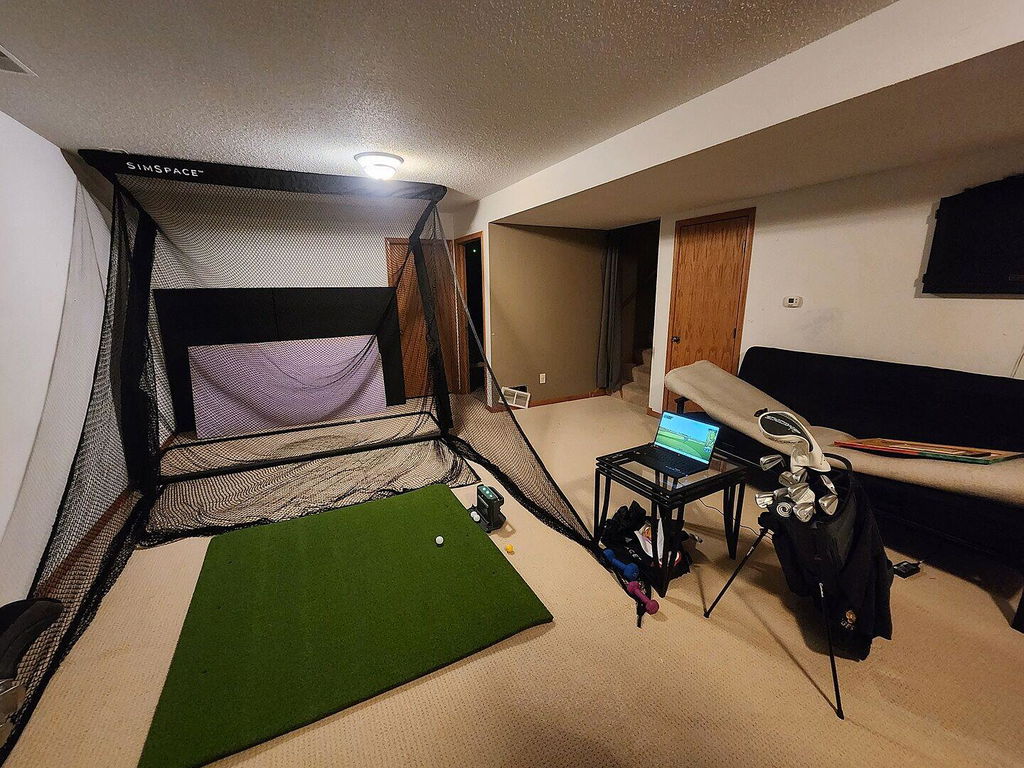
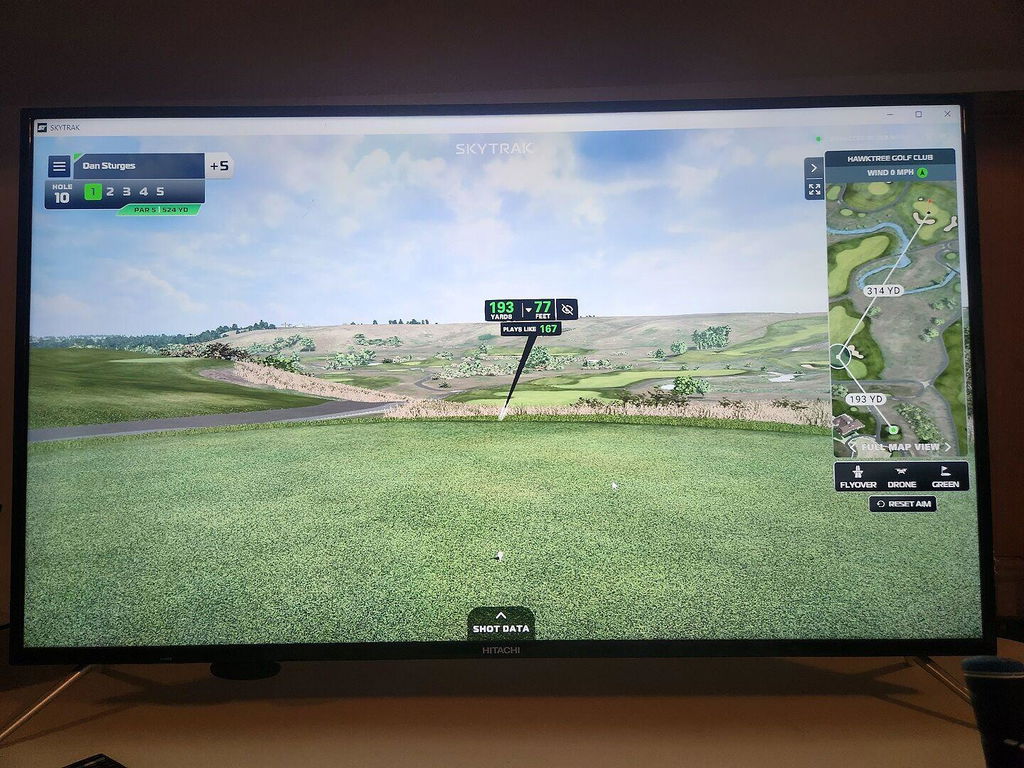
I like it works great everything went together easy
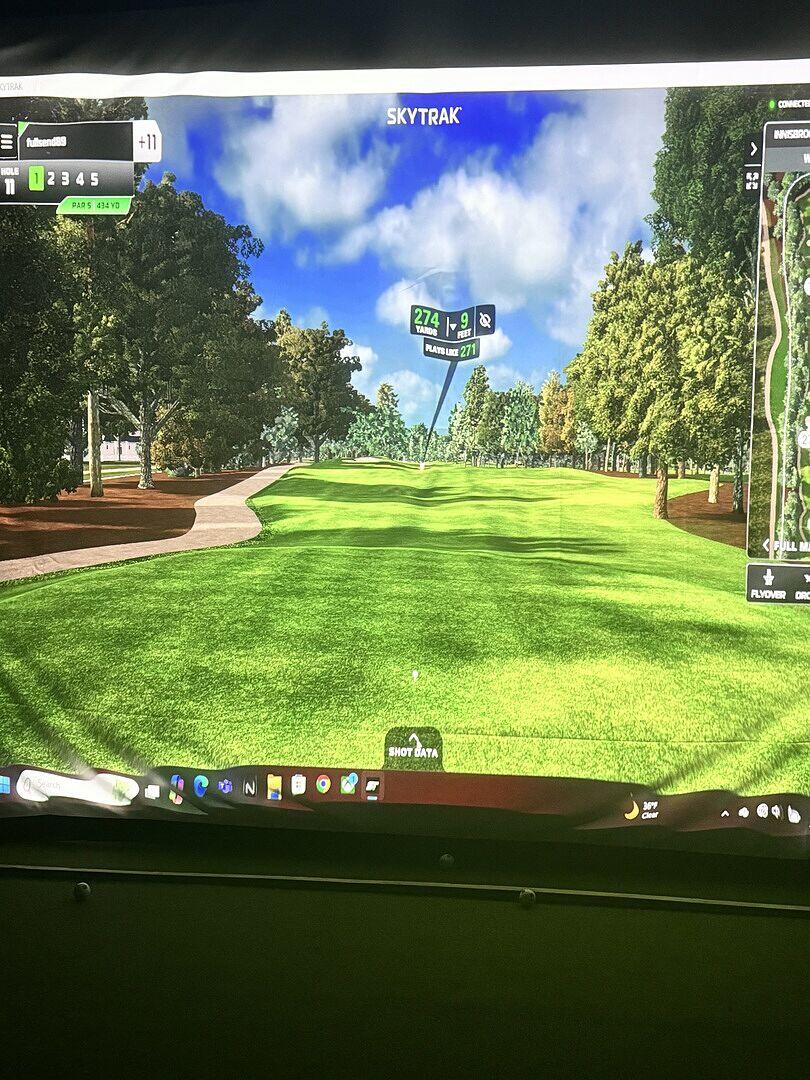
So I have had my SkyTrak+ up and running for a couple of weeks. Getting it all set up took a couple of calls to SkyTrak support. They were great to work with and very knowledgeable. They got my issue “ previously used authorization code” straightened out pretty quick. Since then I’ve mostly used the driving range which I love! I did play all the par threes at Pebble Beach once in Course Play. The graphics are very good. The launch monitor has worked flawlessly so far. Only a couple of misses so far. I suggest that you take full advantage of all the information and set up videos before you get started. It helps a lot.
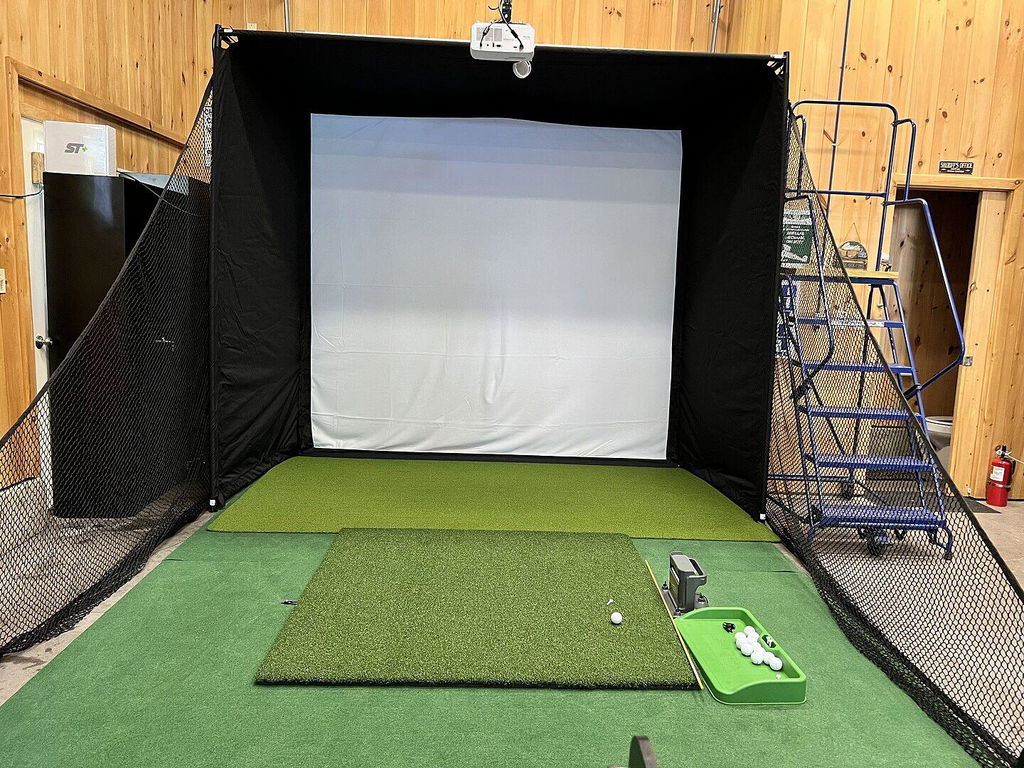
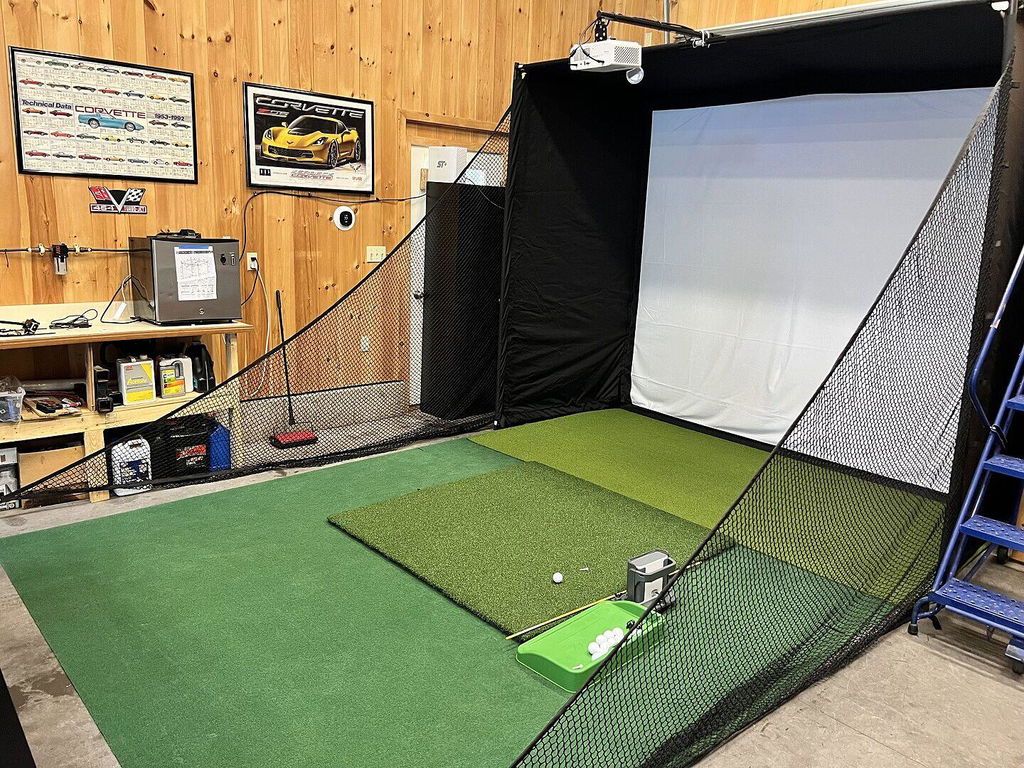
I've waited a few weeks to test out the simulator, I believe this is a great package.
I was afraid a impact screen would be too big for my garage space so went with the net. It's amazing and I highly recommend getting the sides.
The matt is a little firm for me, but seems very durable and I can roll it up at night.
Sky trak can be a bit buggy getting license setup and connected to wifi. But once I got passed this I believe it's pretty amazing tool. I do recommend getting the PIX balls to help with ball detection for spin rates. One note: I connect using the USB cord from the skytrak to laptop, seems to be the best option.
Software- I got the full package its everything you will need! E6 works..I believe. The distance seems to be a little of or something. Still deciding if I will use it, only comes with stroke play but the putting seems to work good.
Overall I would say it's worth the money, I had limited space with a car in the garage at night. So this checks all my boxes to work on my game as I can.
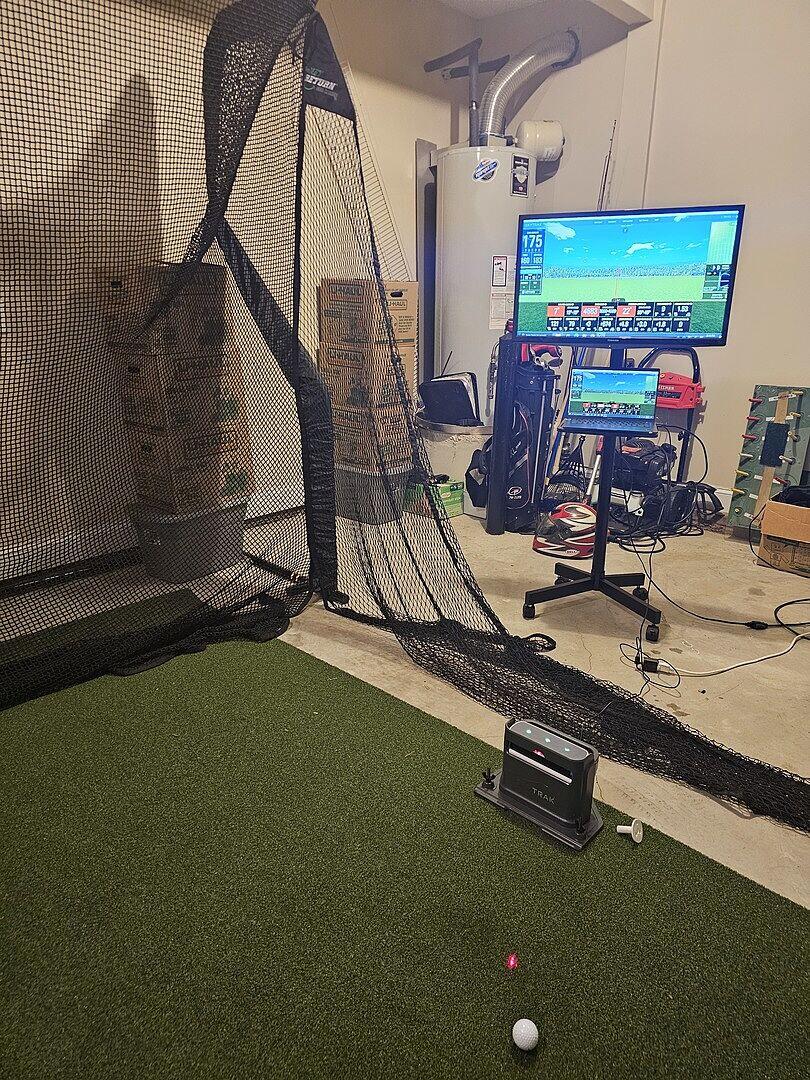
Great Value for what you get. A little difficult to assemble, could have used better directions for sure. They eventually guided me to a video of the process. Shipping seemed to take forever, but could have been due to the fact I ordered around the holidays. And the fact that it all comes from different sources. All in all pleased with my purchase. I did buy it on sale which definitely helped me make my decision.
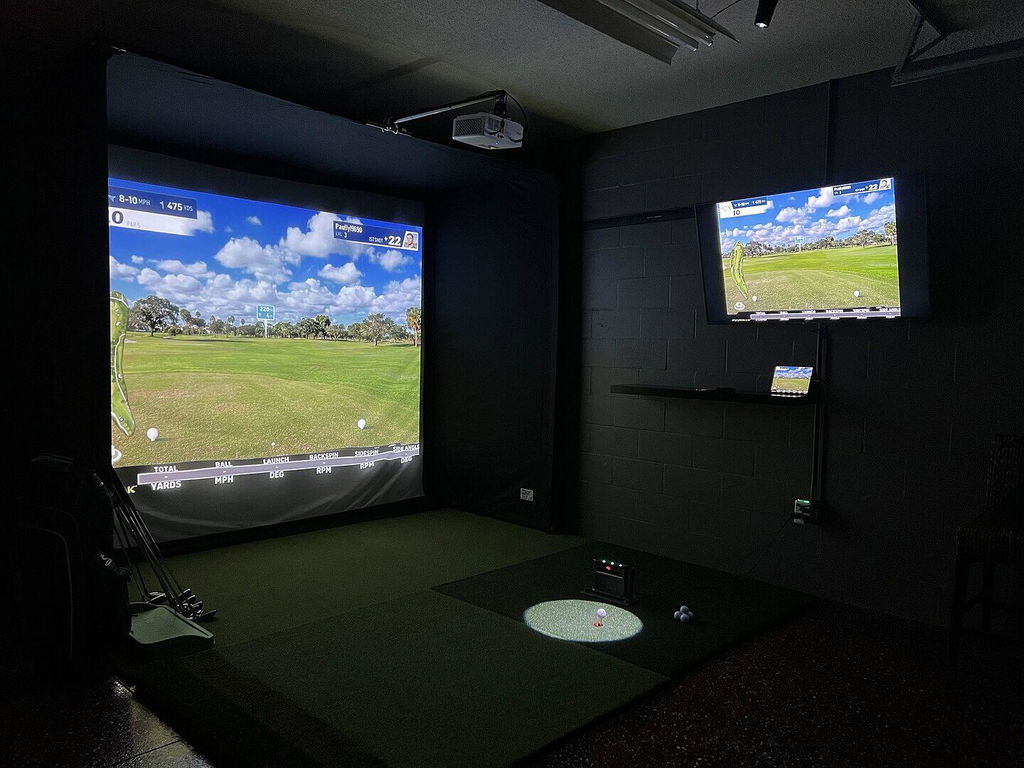
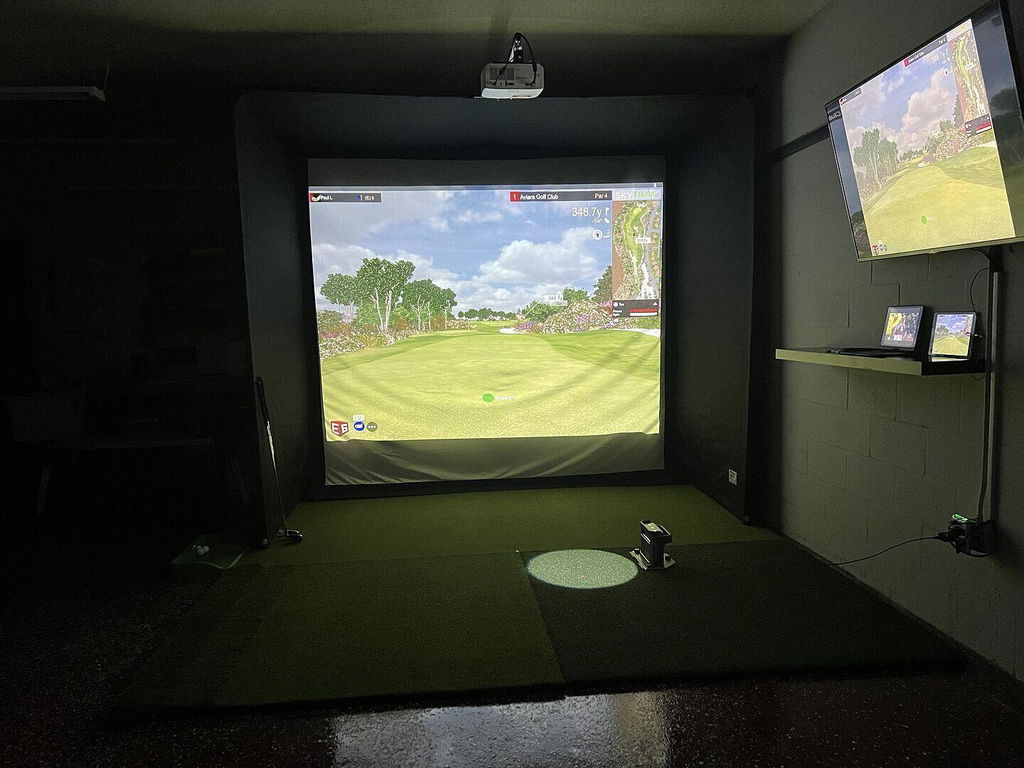
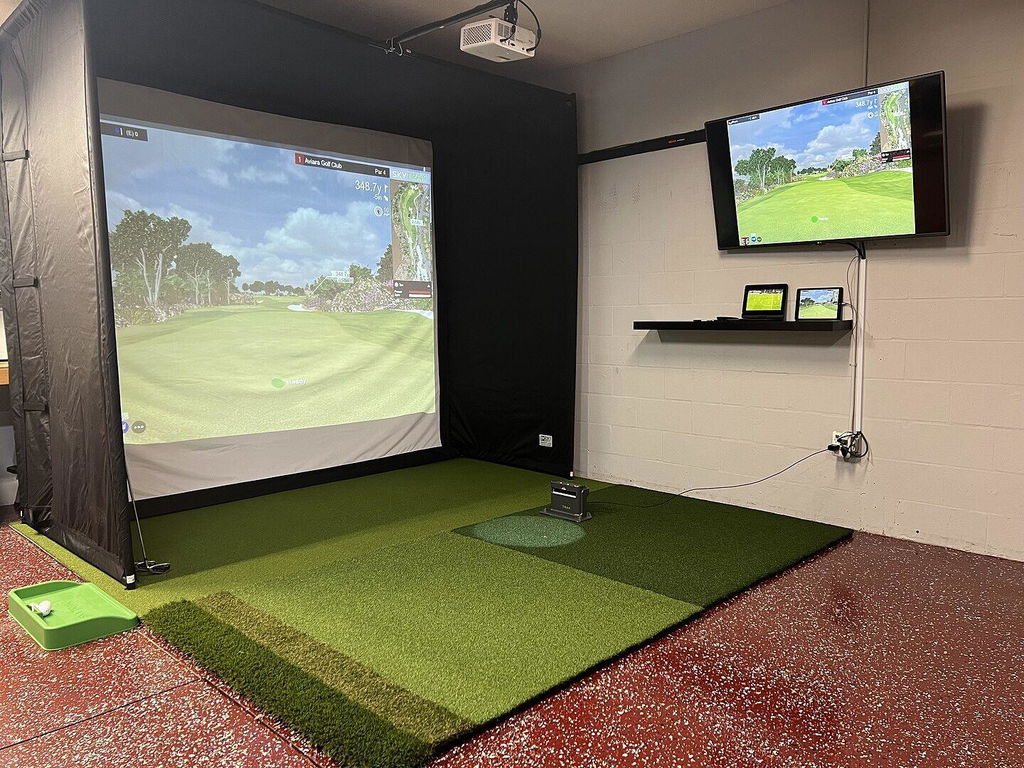
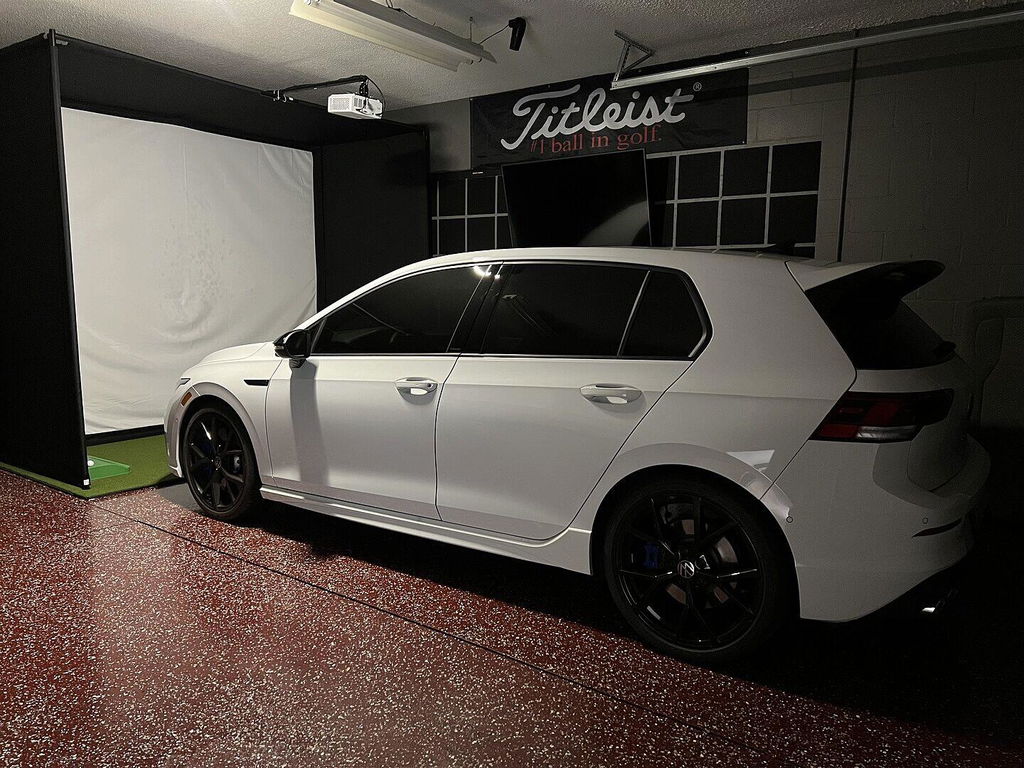
I ordered the Skytrak plus Home edition and I'm very pleased with it. First setup on the Golf return net was very easy. Setup for the simulator was touchy at first. When you get it and use a license key it gives you a free 30 day trial. I had to reset mine to get it to register for the Play package I bought. But after that it's been rock solid.
I play in USB mode, it can have some connection issues at first but never had any issues with direct USB and I play E6.
E6 has some weird quirks at first, don't open the Skytak software if you want to play E6. Seems to connect better.
Overall I'm only 2 weeks in and I have fully enjoyed this and seen some improvement to me spraying the ball left and right. Great data works great in indoors.
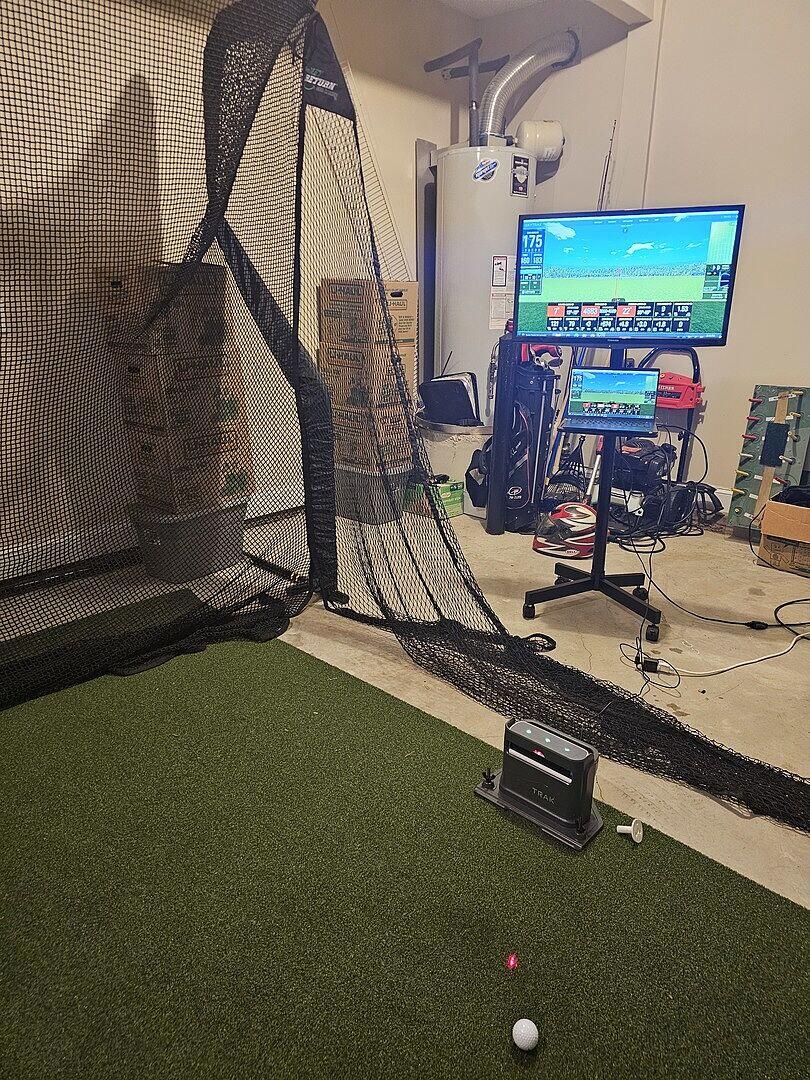
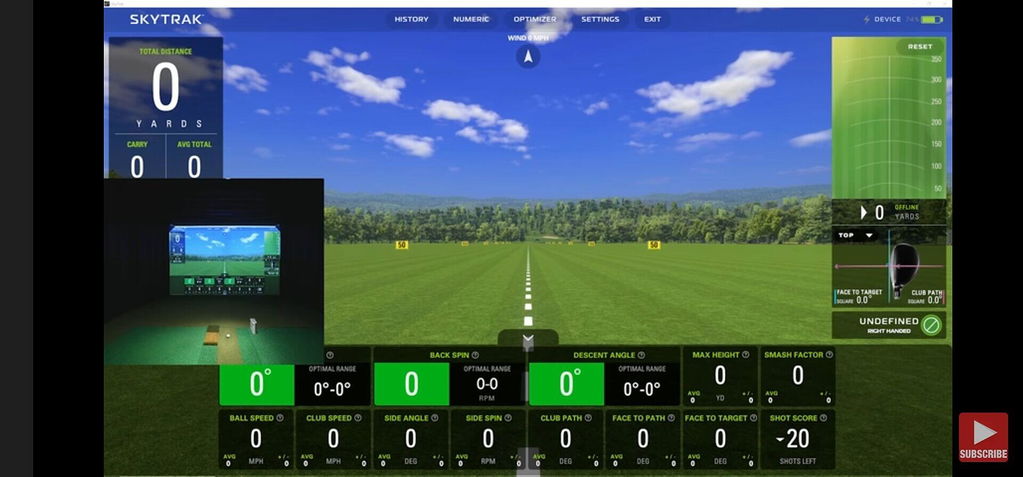
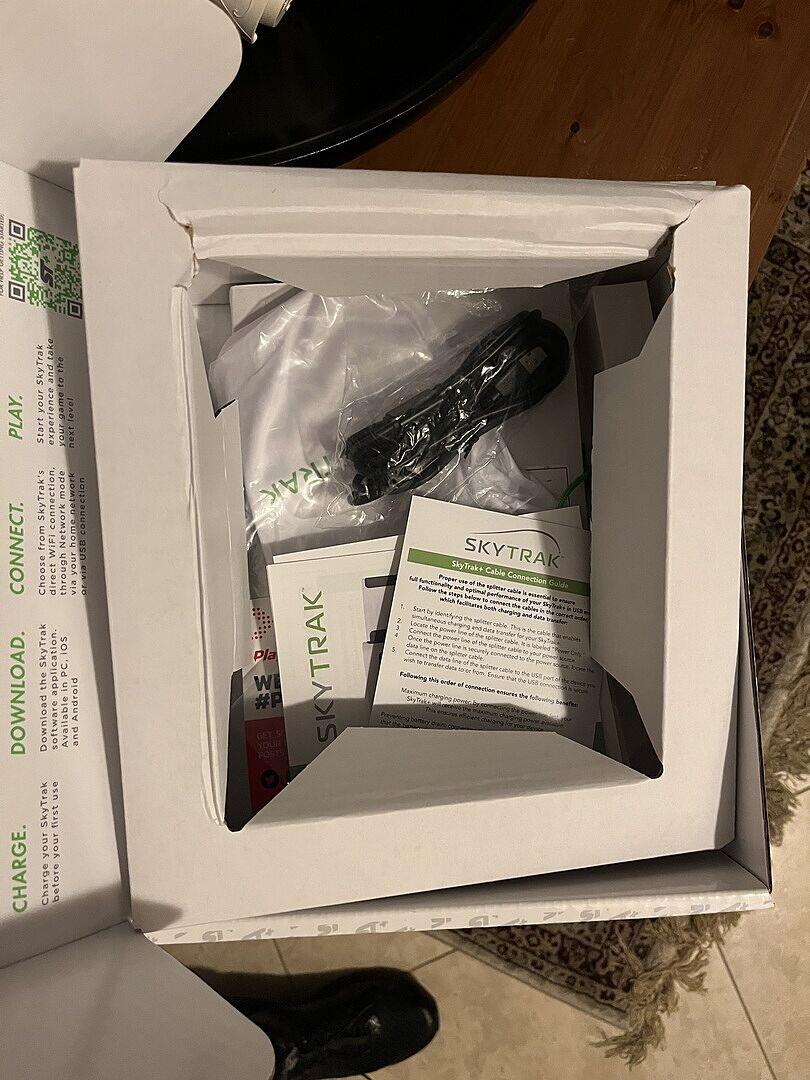
So far I am happy with SkyTrak + and PlayBetter Sports with one exception. The packaging inside the SkyTrak box was slightly damaged (see picture) and the protective film on the camera lens was missing while instructions tell you to remove. My concern is this was a returned unit that was repackaged. No apparent damage the unit and it has worked great for first week. I plan to call PlayBetter next week.
Great fun for the whole family!!!
It’s been pretty good so far. The graphics are great and I love the course features. My only issue is we have a had a real difficult time getting the screen taut. I know it shouldn’t be completely hard, but we have some waves in the corners we just can’t seem to get rid of.
Very reliable and consistent with reviews I have see. -Sam Shehu
I love it but my tablet won’t let me play all the programs I paid for, I have a new tablet coming.